How to Study from YouTube Lectures as a Student

Most of a lecture is not worth your time. The professor spends the first ten minutes recapping last week, another fifteen on context you already have, and peppers the rest with examples that illustrate the same point three different ways. What you actually need is maybe 25 minutes of that two-hour video. The problem is finding which 25 minutes.
What you actually need from a lecture
Three things: what the key concepts are, how they connect to each other, and whether you actually know them or just recognise them when someone says them out loud. A video gives you none of these directly. It gives you a stream of audio that you have to manually convert into all three, which is why studying from lectures takes so long and feels so unfinished.
Notes don't fully solve this either. Writing what someone says and understanding what they mean are not the same thing. And notes don't test you. You can read your own notes, feel completely prepared, and then sit in the exam unable to produce anything from a blank page.
What actually works
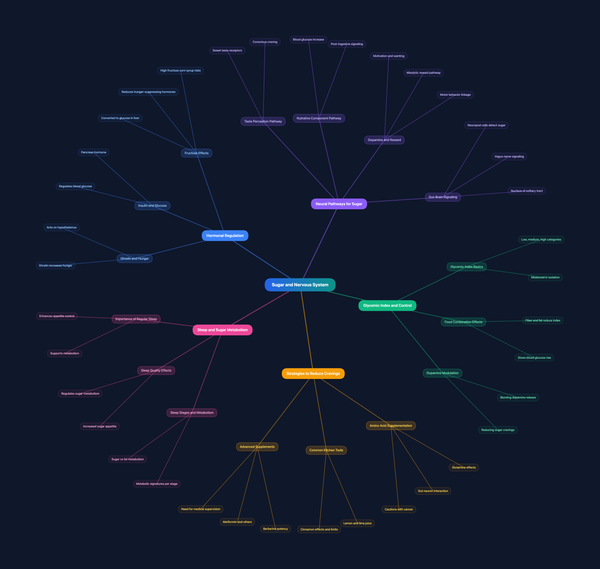
Paste the YouTube URL into VidLearnAI. In a few minutes it generates a full transcript you can read and search, a summary of the main points, the key concepts broken out clearly, a mind map showing how the ideas connect, and a 10-question quiz.
The quiz is what matters most. Taking it immediately after reading the summary shows you exactly which concepts you understood and which ones you only think you understood. That's the thing that determines how you perform when the exam question is in front of you and your notes are not.
Instead of rewatching two hours to find the fifteen minutes you didn't retain, you take a ten-question quiz and know in two minutes where the gaps are. Then you go back only to those.
The free trial gives you 30 minutes of video processing, no credit card needed. Enough for a full lecture.